
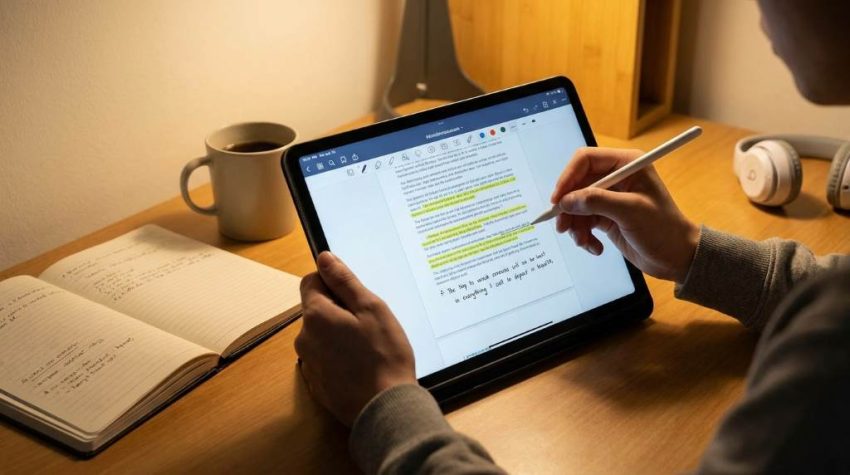
Digital learning has changed the way students prepare for exams and daily study sessions. Recent studies show that more than 70% of students now use digital notes instead of printed materials for learning. At the same time, researchers found that students who actively organize and review digital notes can improve retention by nearly 25%. That is why learning how to study from PDF notes more effectively has become essential for students, professionals, and online learners. With the right methods, PDF notes can improve focus, save time, and help you remember important concepts faster. This guide explains practical strategies that make digital studying easier and more productive.
Understand Why PDF Notes Are Popular
PDF notes offer flexibility and convenience for modern learners. Students can access them on laptops, tablets, and smartphones from almost anywhere. In addition, PDF files preserve formatting, making charts, tables, and diagrams easier to read. Many learners prefer PDFs because they eliminate the need to carry heavy books or printed handouts.
Another reason PDF notes work well is their search function. Instead of flipping through pages, students can instantly locate keywords and topics within seconds. This feature becomes even more useful during exam preparation and revision sessions. Many learners also combine digital study techniques with helpful resources like multiplication speed test boost methods to improve overall academic performance.
Create A Dedicated Digital Study Space
Your study environment directly affects concentration and productivity. A cluttered screen filled with social media tabs and notifications can reduce focus quickly. Therefore, create a clean digital workspace before opening your PDF notes. Keep only essential apps active during study sessions.
Organizing folders also improves efficiency when handling multiple PDF documents. Use clear file names based on subjects, chapters, or exam topics. This method helps you locate notes faster and reduces wasted study time. Consistent organization creates a smoother learning routine over time.
Use Active Reading Techniques
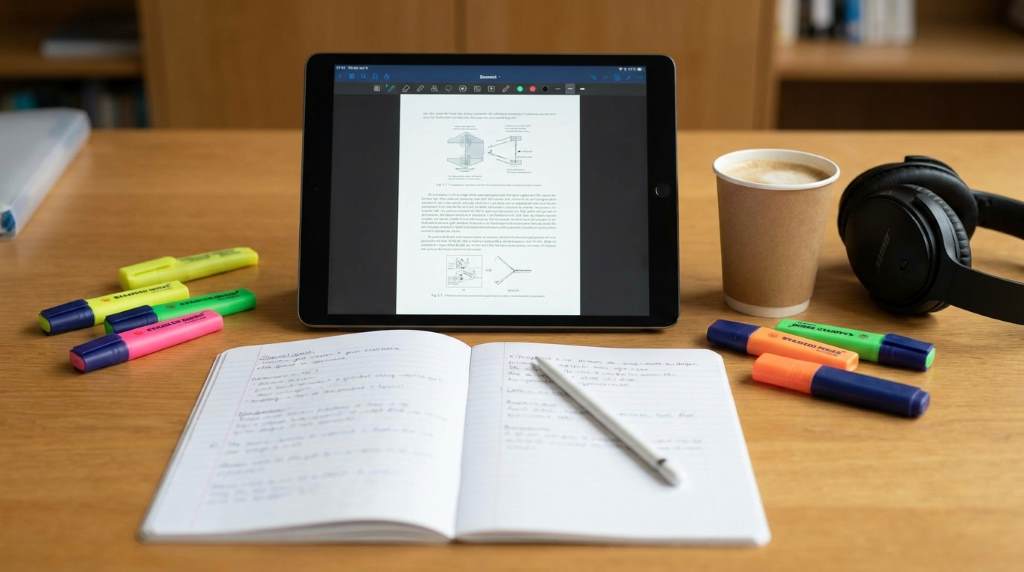
Many students simply scroll through PDF notes without engaging with the material. Passive reading often leads to poor memory retention and lower understanding. Instead, practice active reading while reviewing your notes. Ask questions, summarize ideas, and highlight key concepts as you study.
Annotation tools inside PDF readers can significantly improve learning. Add comments, underline important lines, and create color-coded highlights for different topics. These actions encourage deeper mental processing and help information stay in long-term memory. Active interaction turns digital notes into a more effective learning tool.
Best Ways To Annotate PDF Notes
- Highlight definitions and formulas using different colors
- Add short summaries beside difficult paragraphs
- Use digital sticky notes for reminders
- Underline important exam-related points
- Create symbols for quick revision references
Break Study Sessions Into Smaller Chunks
Long study sessions can drain energy and reduce concentration levels. Instead of studying for several hours without breaks, divide your learning into focused intervals. The Pomodoro Technique works especially well for PDF note study sessions. Study for 25 minutes, then take a short 5-minute break.
Short study blocks improve attention span and reduce mental fatigue. This method also gives your brain time to process new information more effectively. Students who use memory-focused techniques often combine short sessions with methods like rapid memory encoding techniques to improve recall during exams.
Convert PDF Notes Into Personalized Summaries
Reading alone rarely guarantees strong understanding of complex topics. After completing a section, rewrite the main ideas in your own words. Personalized summaries simplify difficult information and improve comprehension. This process also strengthens memory through active recall.
You can create summaries using digital notebooks or handwritten notes. Some students prefer mind maps because they visually connect related ideas and concepts. Others use flashcards for quick revision before tests. Regardless of the method, transforming PDF content into personal study material improves learning outcomes.
Benefits Of Creating Summaries
- Improves understanding of difficult concepts
- Helps identify weak areas faster
- Encourages active learning habits
- Makes revision quicker before exams
- Strengthens long-term memory retention
Use Search And Bookmark Features Wisely
One major advantage of digital notes is the ability to search instantly for keywords and topics. Students often waste time manually scanning pages for specific information. Using the search tool inside PDF readers saves time and improves study efficiency. It also allows faster revision during exams.
Bookmarks provide another valuable organizational feature for long PDF documents. Create bookmarks for important chapters, formulas, or revision sections. This method reduces scrolling and keeps study sessions structured. Organized navigation makes digital studying less stressful and more productive.
Reduce Digital Distractions While Studying
Notifications and constant app switching can seriously damage focus during study sessions. Many students underestimate how quickly distractions interrupt memory formation. Therefore, turn off unnecessary notifications before opening your PDF notes. Use focus mode or productivity apps if needed.
Studying on full-screen mode can also help reduce distractions. Some learners even use separate devices for studying and entertainment purposes. Creating boundaries between study time and leisure activities improves concentration significantly. A distraction-free environment supports better academic performance.
Practice Active Recall And Self Testing
One of the best ways to study from PDF notes more effectively is through active recall. Instead of rereading paragraphs repeatedly, test yourself on the material after each section. Cover the answers and try explaining concepts without looking at the notes. This strategy improves memory retention far better than passive review.
Self testing also reveals weak areas that need more attention. Students can create quizzes, flashcards, or practice questions directly from PDF content. Repeated retrieval strengthens neural connections and improves confidence before exams. Consistent testing turns learning into a more active process.
Simple Active Recall Techniques
- Explain topics aloud without reading notes
- Create practice questions from each chapter
- Use flashcards for important definitions
- Teach concepts to a friend or classmate
- Write quick summaries from memory
Combine Visual Learning With PDF Notes
Visual learning techniques can improve understanding and retention for many students. Instead of relying only on text, use diagrams, charts, and color coding while studying PDF notes. Visual organization helps the brain process information more efficiently. This method works especially well for science, business, and technical subjects.
Students can also insert screenshots, images, or digital sketches into separate study documents. Combining visuals with written explanations creates stronger mental associations. Many learners remember diagrams faster than long paragraphs of text. Therefore, visual learning can make digital study sessions more effective.
Review Notes Consistently Instead Of Cramming
Cramming the night before exams usually leads to stress and poor retention. Consistent review sessions help information move into long-term memory more naturally. Schedule regular revision periods throughout the week instead of waiting until the last moment. Short daily reviews often produce better results than long last-minute sessions.
Spaced repetition works especially well with digital notes. Review material after one day, then again after several days, and later after a week. This approach reinforces learning and reduces forgetting over time. Consistent revision is a key part of understanding how to study from PDF notes more effectively.
Use The Right PDF Study Tools
Choosing the right software can improve your digital study experience significantly. Many PDF readers include features like annotation tools, cloud syncing, split-screen reading, and night mode. These functions help students customize their study environment according to their needs. A good study tool makes learning smoother and more organized.
Some applications also support audio notes, voice recording, and collaborative sharing features. Students working on long-term academic goals often improve productivity by following a create personal education plan strategy alongside their digital study methods. Combining planning with efficient tools creates stronger learning habits over time.
Develop A Consistent Study Routine
Consistency matters more than occasional long study sessions. Creating a regular study schedule helps train your brain for focused learning. Try studying at the same time every day to build a stable habit. Over time, your concentration and productivity will improve naturally.
Morning sessions work well for some learners, while others focus better at night. Experiment with different schedules to identify your peak productivity hours. A consistent routine reduces procrastination and improves academic discipline. Strong habits often lead to better long-term results.
Conclusion
Learning how to study from PDF notes more effectively can completely change your academic performance and daily productivity. Digital notes offer convenience, speed, and flexibility when combined with the right study strategies. Active reading, self testing, visual learning, and organized revision sessions all improve retention and understanding. Most importantly, consistency and focus help turn PDF notes into powerful learning tools.
Start applying these techniques during your next study session and track the difference in your concentration and memory. Small improvements in study habits can create major academic results over time. You can also explore additional learning strategies through personal education plan career resources to strengthen your long-term study success. Begin building smarter digital study habits today for better learning outcomes tomorrow.
FAQs
What is the best way to read PDF notes?
The best way is to use active reading techniques like highlighting, summarizing, and self testing while studying.
How can I focus better while studying PDF notes?
Turn off notifications, use full-screen mode, and study in short focused sessions.
Are PDF notes better than handwritten notes?
PDF notes offer convenience and searchability, while handwritten notes improve memory through writing practice.
How often should I revise PDF notes?
You should review your notes regularly using spaced repetition throughout the week.
Which app is best for studying PDF notes?
Popular PDF study apps include Adobe Acrobat, Xodo, GoodNotes, and Notability.